Celebrity Look-Alike Filter: How to Try It and Get Better Matches
Learn how celebrity filters work on social platforms, how they differ from photo matchers, and how to keep the result fun without treating it as identity proof.

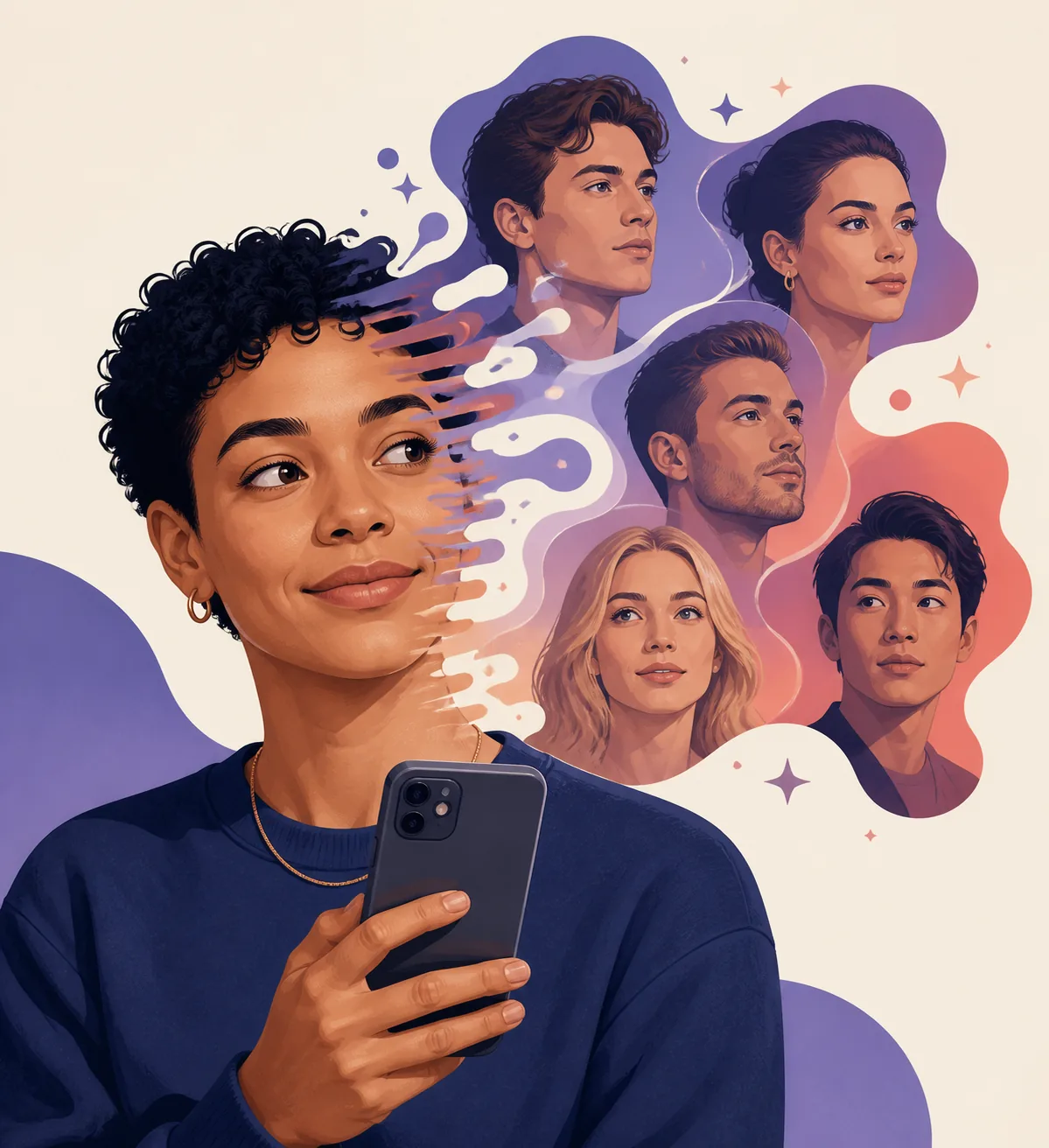
Table of Contents
Searches for a celebrity look-alike filter can mean two different things: a playful social-media effect that transforms a selfie, or an AI photo matcher that ranks people with similar facial features. The two experiences can look similar in a short video, but they answer different questions. A filter is designed for a quick visual effect; a photo matcher is better when you want to compare the same face across several photos and understand why a result changes.
What a Celebrity Look-Alike Filter Actually Does
A celebrity look-alike filter normally detects a face well enough to place an effect, transition, mask, or suggested celebrity image over it. Some filters are simple overlays. Others use a template that cuts between your selfie and a famous face, adds makeup or hair styling, or turns the result into a short video. The visible output is often more about presentation than measurement.
That distinction matters because a social effect can make a resemblance feel stronger than it is. Hair color, lighting, expression, face shape, and the timing of a transition all influence what viewers notice. A filter may be the most enjoyable way to explore a resemblance, but it should not be treated as proof that you look like a particular person or that two people share an identity.
A dedicated celebrity face matcher starts from a different goal. It usually asks for a photo, compares facial cues against a candidate set, and returns one or more possible matches. Even then, the result is an entertainment-style similarity estimate, not face recognition or a reliable way to identify someone.
- Effect first — A filter prioritizes a fun visual transformation, trend, or shareable short video.
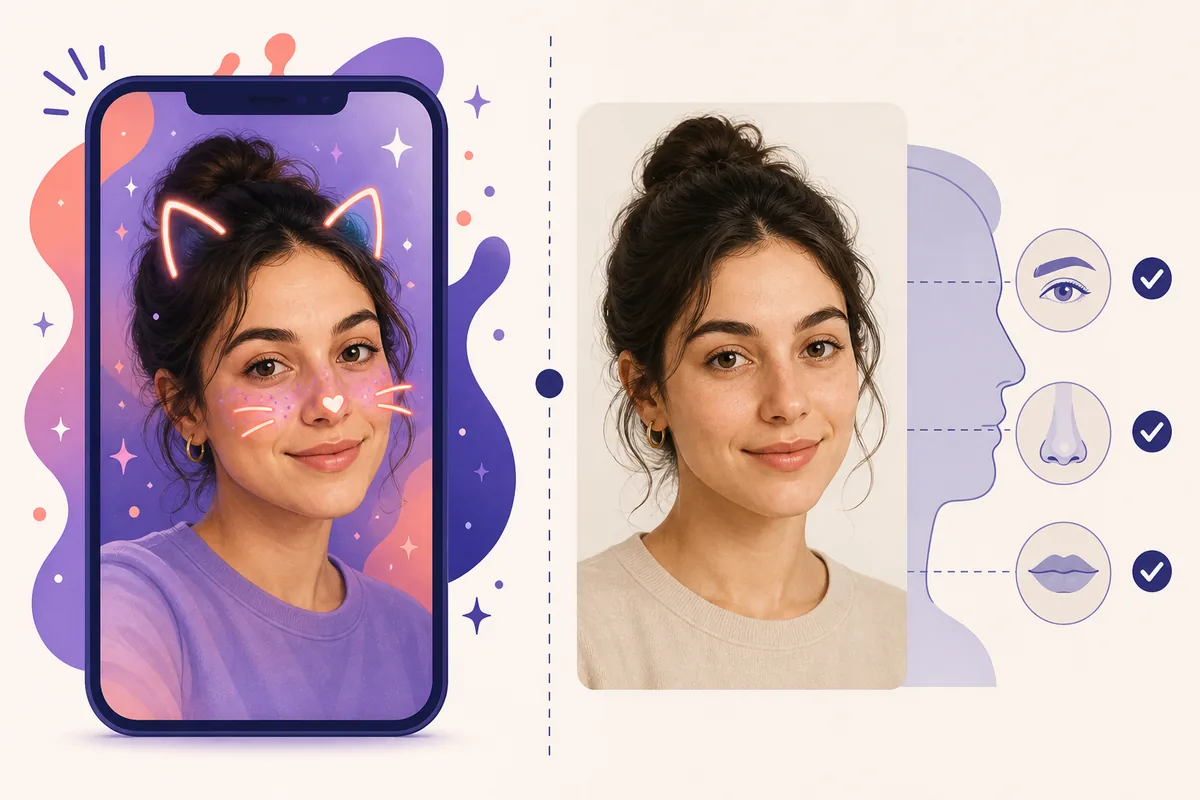
- Photo comparison — A matcher prioritizes facial cues such as eye spacing, brow shape, nose, mouth, jawline, and overall proportions.
- No identity claim — Neither format should be used to verify a person, infer a relationship, or make a sensitive decision.
How to Try a Celebrity Filter on Snapchat or CapCut
Availability changes quickly, so start with the platform's own Lens or template search instead of downloading a random copy. Snapchat's official Lens pages and in-app Lens search are the safest place to check whether a current effect is still available. CapCut's official celebrity-lookalike explore page is useful for finding templates, but a template may be created for a specific video format rather than a measured face match.
For a simple test, use a well-lit selfie with one face visible, then follow the effect's instructions. Keep the original photo so you can compare the filter result with the unedited version. If a template asks you to upload a photo to an unfamiliar website, pause and read its privacy terms before continuing; a trending name alone does not establish that a page is trustworthy.
If the exact effect has disappeared, do not chase unofficial APKs, browser pop-ups, or pages that ask for unnecessary permissions. Search the same phrase inside the official app, use a current official template, or switch to a normal photo comparison. The goal is a useful and reversible experiment, not access to one disappearing trend.
- Snapchat — Open the official Lens search, check the creator and current availability, and review permissions before saving or sharing.
- CapCut — Use the official Explore/template page and confirm whether the effect is a video edit, a face overlay, or an actual match workflow.
- TikTok and other platforms — Treat platform-specific filter names as trend labels. Verify the source inside the platform instead of trusting reposted download pages.
Filter vs. Photo Matcher: What Is the Difference?
The easiest way to choose the right format is to decide whether you want a shareable effect or a repeatable comparison. A filter is excellent for a quick before-and-after clip, a themed selfie, or a conversation starter. A photo matcher is more useful when you want to test a clear face, compare results from two photos, or read an explanation of the features that influenced the match.
The same person can receive different outcomes from both formats. Filters may depend on the selected template, music, timing, or a prebuilt celebrity sequence. Photo matchers can change because of camera distance, angle, shadows, expression, glasses, hairstyle, age cues, or the size of the candidate library. Variation is normal; it is a reason to compare conditions, not a reason to force one answer.
For a fair experiment, use the filter for entertainment and use an unfiltered image for the comparison. Keep the lighting and angle similar when you repeat the test. That makes it easier to tell whether the result comes from facial structure or from a temporary styling effect.
How to Get More Consistent Celebrity Matches
A better photo cannot guarantee a particular celebrity result, but it can reduce avoidable noise. The face should be large enough to see without being stretched by a wide-angle lens. Even light helps preserve the shape of the eyes, nose, cheeks, and jaw. A neutral expression is a useful starting point; you can test a smiling photo later to see how expression changes the comparison.
Do not judge a match only by the name. Look for several shared cues: face length, brow weight, eye spacing, nose bridge, lip shape, cheek width, jawline, or the way the face reads at a similar angle. If the only shared cue is a hairstyle or filter color, the result is less stable. If the same general resemblance appears across two clean photos, it is a more useful entertainment comparison.
When you are ready to compare an unfiltered image, use the Celebrity Look-Alike Finder on this site. Upload one clear photo, read the explanation beside the result, and repeat with a second photo if the match feels surprising. The point is to understand the pattern, not to find a definitive label.
- Use one visible face — Group photos, mirrors, and busy backgrounds make it harder to know which face the effect or matcher is using.
- Keep the camera level — Eye-level framing and a little distance reduce perspective changes that exaggerate the center of the face or jaw.
- Remove strong filters first — Beauty smoothing, face reshaping, sunglasses, and heavy color effects can change the cues you are trying to compare.
- Repeat once — A second neutral photo helps separate a repeatable resemblance from a one-frame coincidence.
Best practical rule
Use a filter when you want a playful effect; use two clean photos when you want to understand whether a celebrity match is reasonably consistent.
Privacy and Safety Checks Before Uploading
A face photo is personal data in a practical sense even when an app describes its feature as entertainment. Before using a filter or matcher, check what the service collects, how long uploads are stored, whether images are used for product improvement, and whether you can delete an account or request removal. Keep the photo limited to what the feature needs.
Avoid uploading another person's face without permission, especially a child, a private individual, or anyone who may not expect their image to be processed. Do not use a celebrity match to identify a stranger, confirm an online profile, or make decisions about trust, employment, access, or relationships. A resemblance result is not an identity check.
Prefer official platform pages and established tools, use a fresh crop rather than a full photo album, and close pages that pressure you to install unknown software. If a page promises certainty, asks for unrelated personal information, or hides the destination behind repeated redirects, choose a different route.
- Check permissions — Camera, photo-library, contact, and location access should match the feature you are actually using.
- Read retention language — Look for storage duration, deletion options, model-training language, and third-party sharing before uploading.
- Keep claims modest — Use the result for fun and visual comparison, never for identity, biometric, or sensitive personal conclusions.
Celebrity Filter vs. Celebrity Face Matcher
Both can make a selfie feel like a celebrity comparison, but they are built for different jobs.
| Format | Main purpose | What affects the result | Best use |
|---|---|---|---|
| Social filter | Visual effect | Template, styling, timing, and expression | A playful selfie or short video |
| Video template | Edited transition | Selected sequence, source images, and crop | A shareable trend or before-and-after |
| Photo matcher | Face comparison | Photo quality, facial cues, angle, and candidate set | Comparing two or more clean photos |
| Identity search | Identity claim | Not appropriate for a look-alike filter | Do not use a resemblance result as proof of identity |
Celebrity Look-Alike Filter FAQ
Official Platform References
- Snapchat Lenses — Official Lens page checked for the current celebrity-style Lens route on August 7, 2026.
- Snapchat: How do I use Lenses? — Official help guidance for using Lenses and checking current availability.
- CapCut celebrity lookalike templates — Official CapCut Explore page showing that celebrity-lookalike templates are video-editing workflows, not automatically face-identification results.
Related Guides and Tools
- Celebrity Look-Alike Finder — Compare an unfiltered selfie with celebrity look-alike results.
- How to Find Your Celebrity Look Alike — Choose a clearer photo, interpret changing matches, and check privacy.
- Best Celebrity Look-Alike Apps and Sites — Compare app and browser options by match style and privacy questions.
- Celebrity Doppelganger Finder — Try a famous-twin style comparison from a clear photo.
- ChatGPT Celebrity Look Alike — See what a general AI assistant can and cannot do with look-alike questions.
Last updated: August 7, 2026