What Celebrity Do I Look Like? Upload Photo Guide
Choose a photo that gives a celebrity matcher a fair signal, follow the upload workflow, interpret the result, and know what to check before sharing a face image.

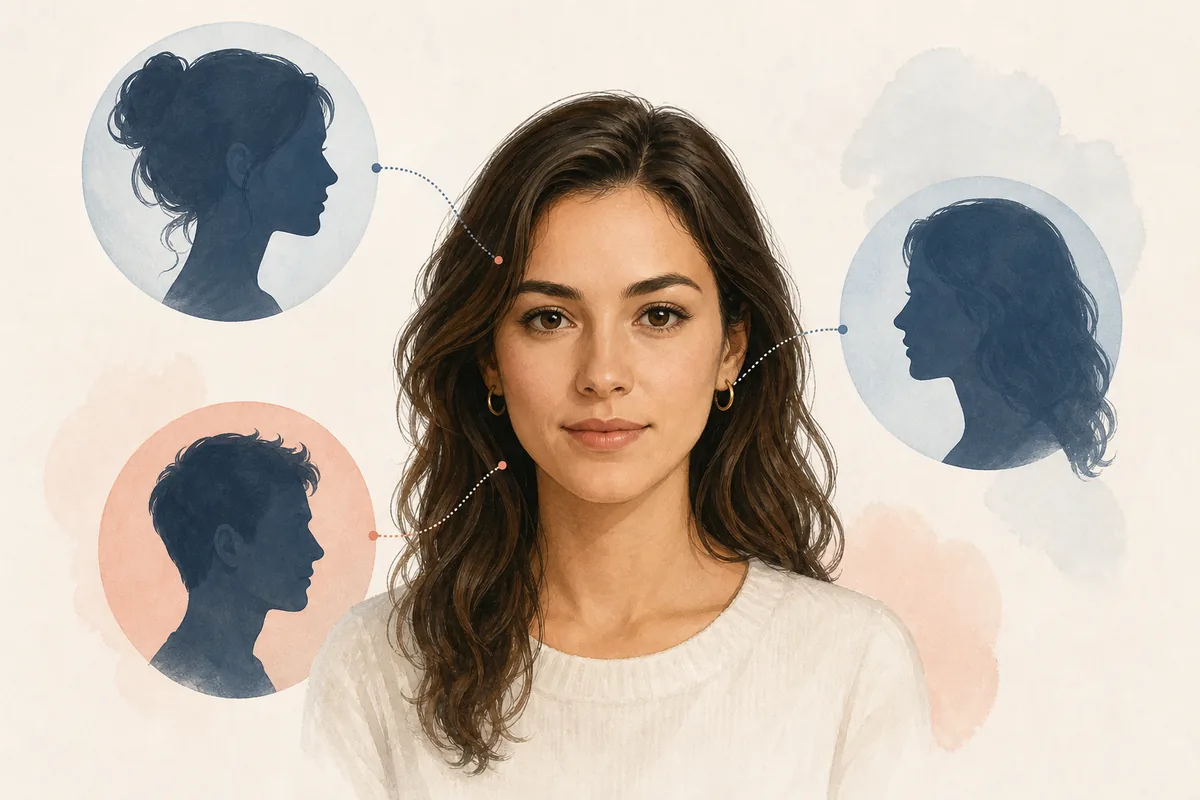
Table of Contents
The search phrase what celebrity do I look like upload photo signals a direct task: the reader already wants to choose an image and see a visual comparison. A useful guide should therefore explain the photo decision before the upload button, the states a normal matcher shows while it works, and the limits of the name or score that comes back. This page covers that complete path and links to the working upload tool when you are ready to test a photo.
Choose the best photo before you upload
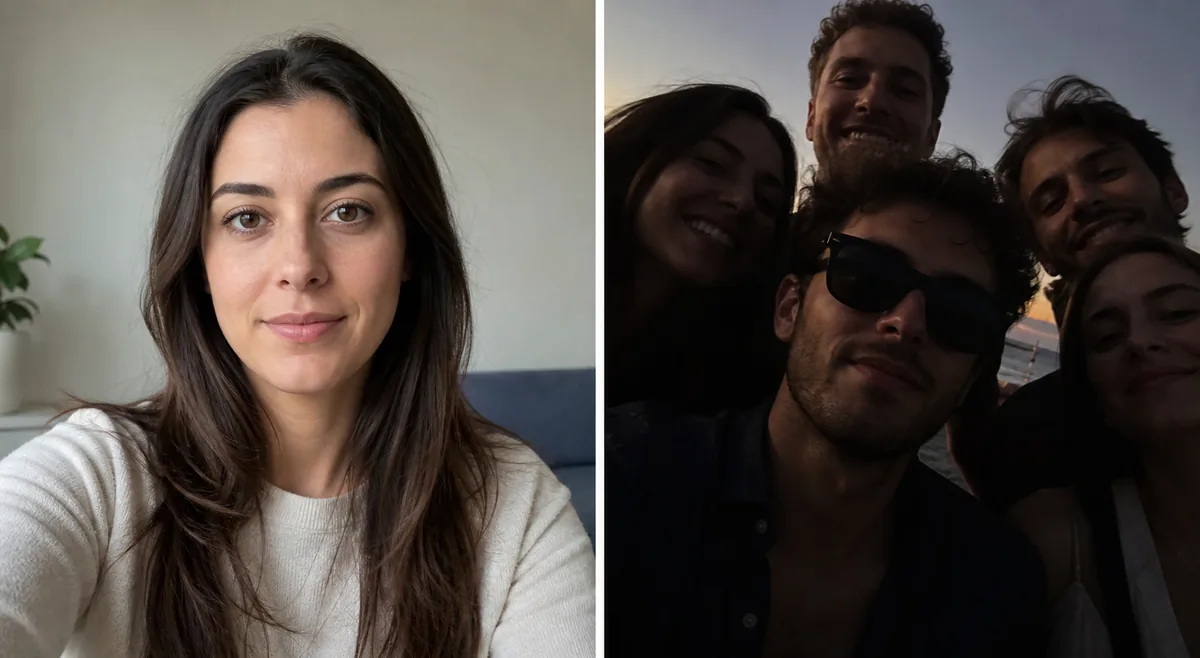
Start with one recent portrait where your face is large enough to see but not stretched by a wide-angle lens. Keep the camera near eye level and leave the forehead, cheeks, jaw, and chin visible. Soft daylight from in front of you usually gives a more balanced signal than a bright window behind you or a hard ceiling light that cuts one side of the face into shadow.
Remove anything that hides or reshapes the features you want compared. Sunglasses, a mask, hair over both eyes, stickers, strong beauty smoothing, and face-slimming filters can alter the image before the matcher sees it. A neutral or natural expression is a useful baseline. You can test a smile later, but do not mix a different expression with a new crop and new lighting if you want to learn why the result changed.
- One visible face — Avoid group photos, mirrors, reflections, and busy crops unless the tool explicitly lets you select a face.
- Near-front angle — A straight or slightly turned head keeps the eyes, nose, cheeks, and jaw available for comparison.
- Even light — Use soft front light and avoid deep side shadows, colored light, and bright backlighting.
- Minimal editing — Skip filters and retouching that change proportions, texture, eye size, or face outline.
A clean baseline beats a dramatic selfie
Use the simplest clear portrait first. It gives every later upload a reference point.
What Celebrity Do I Look Like Upload Photo: What Happens Next
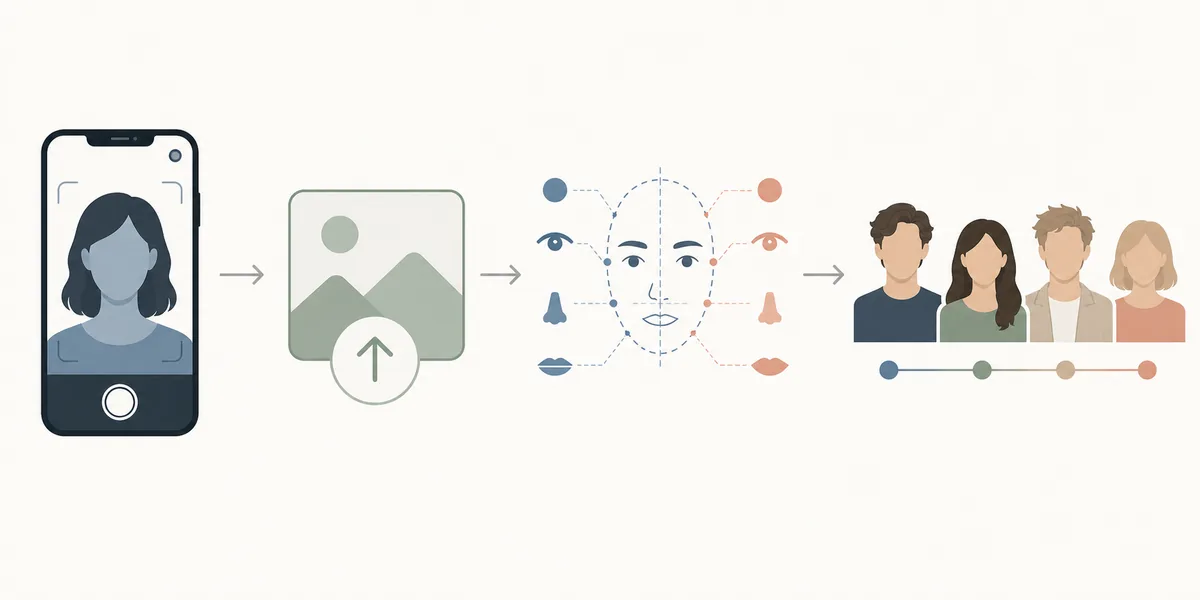
A normal photo-first workflow has four visible stages. You select an image, the page reads or detects the face, the service compares the visible signals with its reference set, and a result panel shows one or more matches. The exact labels differ by site, but the page should make the current state clear and should tell you what to do if the image cannot be read.
On the upload-photo tool, begin with the photo above, allow the analysis state to finish, and review the complete result instead of stopping at the first name. Read any confidence wording, feature explanation, or photo warning alongside the match. If the service offers a retry control, use it after you have chosen a deliberately different image rather than repeatedly clicking the same file.
- 1. Select the baseline — Choose one clear image with a single face and confirm that it is the photo you intend to submit.
- 2. Wait for the analysis — Let detection and comparison finish; a loading label is not the final match.
- 3. Review the whole panel — Check the top match, additional matches, explanation, confidence wording, and any privacy note.
- 4. Repeat with a reason — Try another photo when you are testing angle, light, expression, crop, or category scope.
Change one variable at a time
If the image, tool, crop, and expression all change together, you cannot tell what caused a new match.
Read the celebrity match without overclaiming
A match is a photo-specific resemblance clue. Face outline, brow position, eye spacing, nose width, lip shape, cheekbones, jawline, hair framing, and expression can all influence the result. The system may notice relationships that are hard to describe in a mirror, but a name or percentage still describes the current image and comparison pool, not a permanent fact about you.
Look for repeated visual patterns across several results. If multiple suggestions share a similar face outline or eye-and-brow relationship, that is a more useful clue than one surprising name. If the results share a hairstyle, pose, or lighting setup, the presentation may be contributing to the impression. Do not use a look-alike output as identity verification, proof of family relationship, or a decision about another person.
- Structure — Compare the overall face outline, cheekbone width, jaw shape, and chin rather than one isolated feature.
- Feature relationships — Notice spacing and balance between brows, eyes, nose, mouth, and the lower face.
- Photo styling — Hair, makeup, beard, expression, and pose can strengthen a resemblance without changing the underlying face.
- Reference pool — Different services can return different people because their databases and scoring rules are not identical.
Interpret the why, not only the who
The most useful result explains a visible resemblance while staying honest about uncertainty.
Fix weak or changing results
A weak result usually points to an input problem, a comparison boundary, or a limited reference pool. Check whether the face is too small, blurry, tilted, covered, or unevenly lit. If the service reports no face or multiple faces, choose a tighter single-person portrait. If it returns a result that feels unrelated, compare the crop and expression before assuming the model has a fixed idea of your appearance.
To test a change, keep the camera distance, head height, expression, and crop similar to the baseline. Change only one condition, such as moving from side light to soft front light. Record the broad pattern rather than chasing a favorite name. A second or third consistent match is a better entertainment clue than a one-off result from a dramatic image.
The comparison set also affects variation. One service may include more actors, singers, athletes, or regional public figures than another. A result can therefore reflect both the visible face and who is available in that service's catalog. Compare pages by their process and explanation, not by treating every score as if it came from one shared scale.
- Too dark or blurry — Retake the portrait in soft, even light with enough resolution to see the eyes and jaw.
- Face is turned — Use a near-front angle before testing a more dramatic profile or pose.
- Several people detected — Select a crop with one face and remove reflections or background faces.
- Match changes again — Repeat with similar framing and change one variable so the difference is interpretable.
Variation is part of photo matching
Different photos expose different signals. Consistent conditions make the comparison easier to understand.
Check privacy and sharing boundaries
A face photo is personal data even when the page presents the result as entertainment. Before uploading, find the privacy policy and look for plain-language details about storage, deletion, model training, service providers, accounts, and analytics. If the policy is missing or vague, do not assume that a short processing time means the image is never retained.
Use a photo you have the right to submit and avoid IDs, medical images, private scenes, or another person's portrait without permission. Delete saved copies or result cards you no longer need, and do not post a face match as proof of who someone is. These habits reduce unnecessary exposure, but they do not replace the provider's responsibility to explain its processing.
The safest interpretation is narrow: the page estimates resemblance from the image you chose. It does not authenticate a person, establish a relationship, or justify a serious decision. If you are uncomfortable with the handling terms, stop before the upload and use a no-photo quiz or a local-only tool whose data flow is clearly documented.
- Read the policy — Check retention, deletion, training, third-party processing, and account requirements before submitting.
- Use your own image — Do not upload another person's face without permission, especially in a group photo.
- Keep the claim narrow — A resemblance output is not identity verification, authentication, or evidence about a real-world decision.
- Choose a different route — Use a quiz or a documented local-processing option when you do not want to send a photo.
Privacy is part of the upload decision
Check the data flow before you check the celebrity name.
What Celebrity Do I Look Like Upload Photo FAQ
Related Celebrity Match Pages
- Upload a Photo to Find Your Celebrity Look-Alike — Open the working photo-first matcher after you have chosen a baseline image.
- How to Find Your Celebrity Look-Alike — Read the broader discovery guide when you are deciding between match types.
- Privacy Policy — Review site-level information before submitting a face photo.
Last updated: October 25, 2026